


This game owns my life right now...



#CustomUserTitle
Joined: Mar 2002
Posts: 63,855
Likes: 1
From: glass case of emotion

blew out my Java 6 r27 64-bit JRE
deleted all the Minecraft files
restarted
trying again.
I think something must have gotten hosed in my Java Environment. I don't ever remember installing a 32-bit version and I'm wondering if the game is trying to use the 32 and 64 concurrently.
Same results. Fuck it all.
deleted all the Minecraft files
restarted
trying again.
I think something must have gotten hosed in my Java Environment. I don't ever remember installing a 32-bit version and I'm wondering if the game is trying to use the 32 and 64 concurrently.
Same results. Fuck it all.
Last edited by e3NiNe; Oct 10, 2011 at 02:33 PM.
#CustomUserTitle
Joined: Mar 2002
Posts: 63,855
Likes: 1
From: glass case of emotion
it's not the profile ... I really think the game is sitting on a bad hard drive sector.
Josh, can you try to...
D: game.sav, copy it to C: game.sav
Delete the D: game.sav, replace it with the copy. See if you can move it off of the partition's sector.
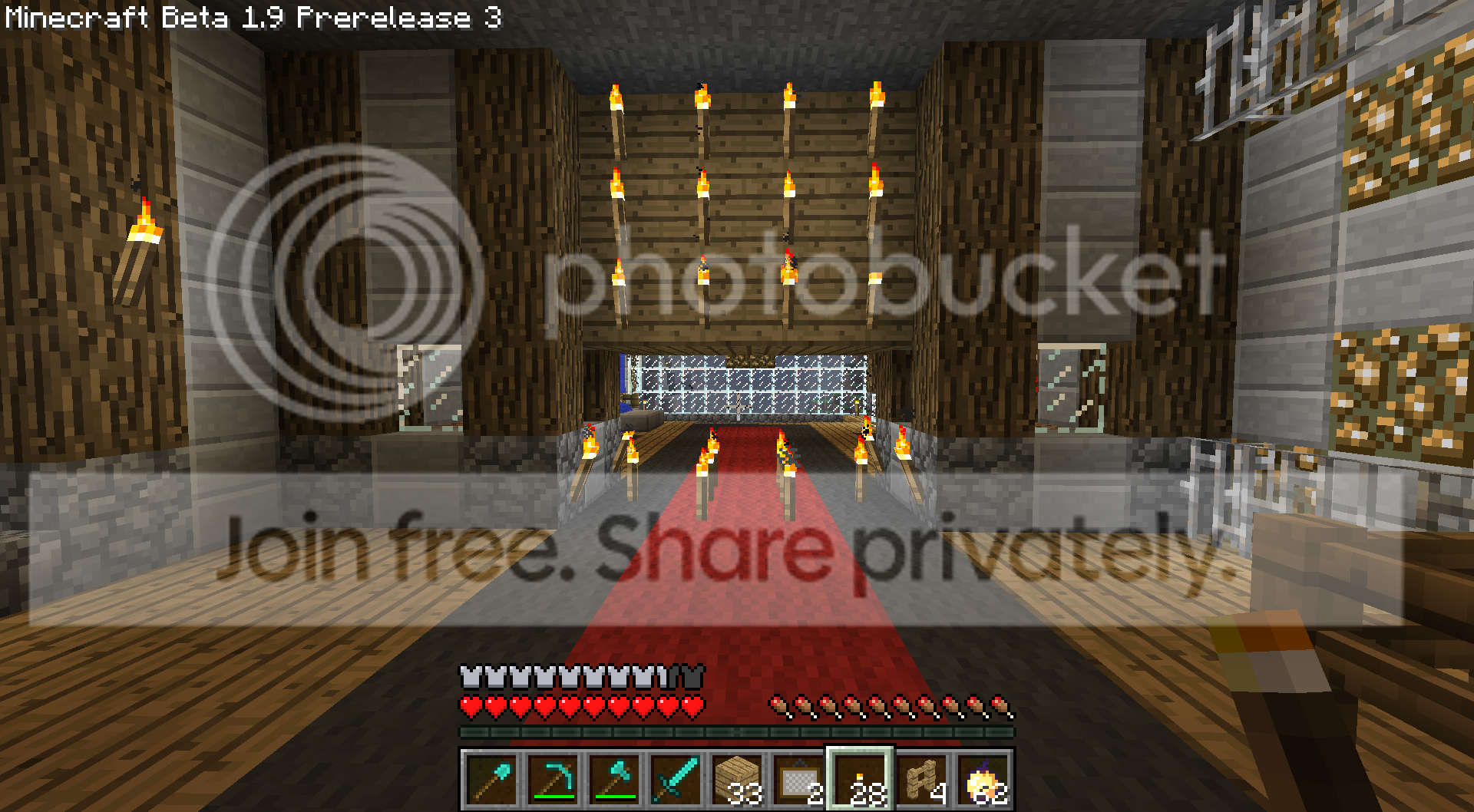
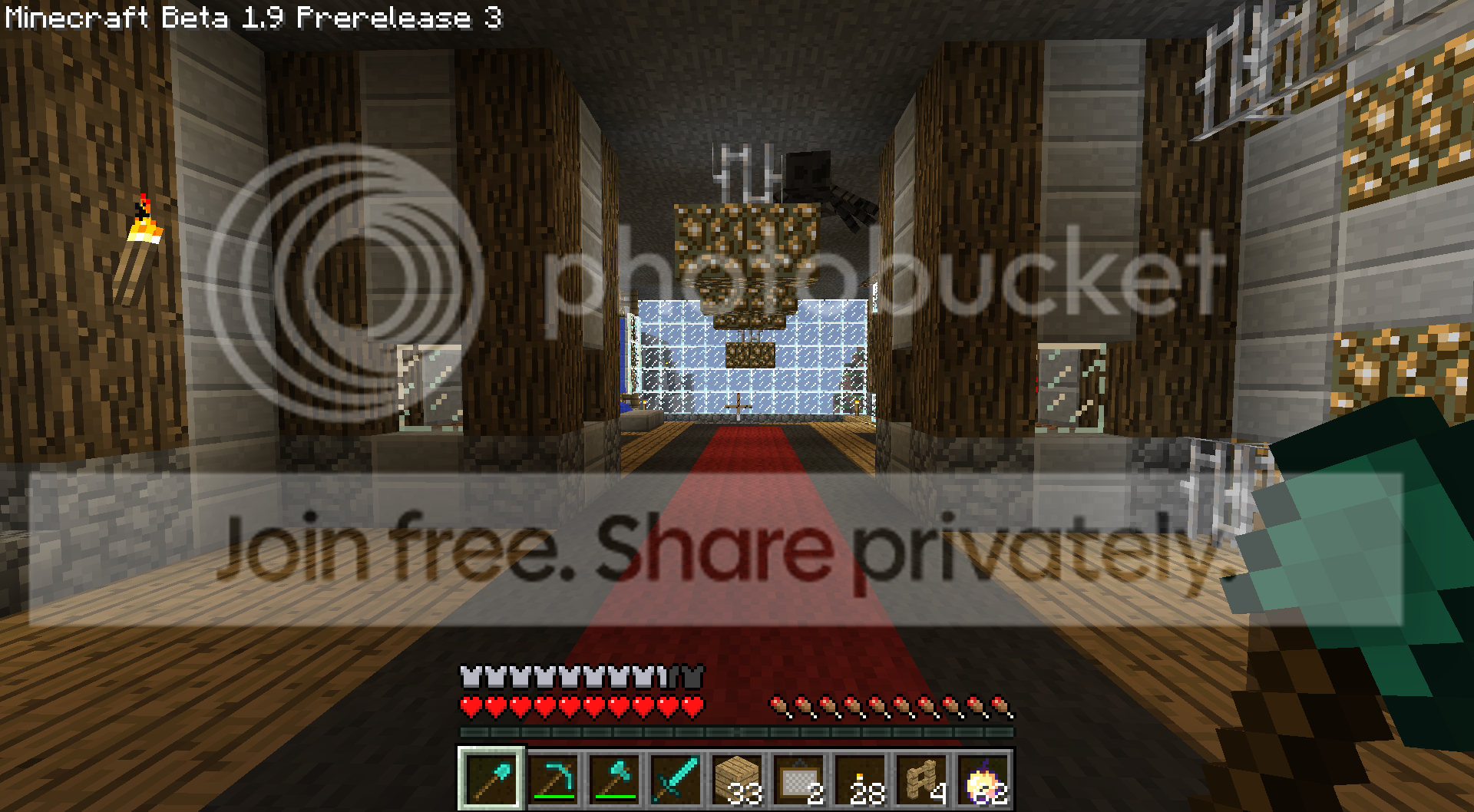
I'm operating within a large space and chunks aren't registering.
Josh, can you try to...
D: game.sav, copy it to C: game.sav
Delete the D: game.sav, replace it with the copy. See if you can move it off of the partition's sector.
I'm operating within a large space and chunks aren't registering.

Senior Member
Joined: Jun 2002
Posts: 14,544
Likes: 0
From: Holyoke, MA
it's not the profile ... I really think the game is sitting on a bad hard drive sector.
Josh, can you try to...
D: game.sav, copy it to C: game.sav
Delete the D: game.sav, replace it with the copy. See if you can move it off of the partition's sector.
I'm operating within a large space and chunks aren't registering.
Josh, can you try to...
D: game.sav, copy it to C: game.sav
Delete the D: game.sav, replace it with the copy. See if you can move it off of the partition's sector.
I'm operating within a large space and chunks aren't registering.